
Tools
Fretboard Modeller
A free macOS app that designs a fretboard and its fret markers, exports the STL, and writes the CNC G-code and jig template to build it.
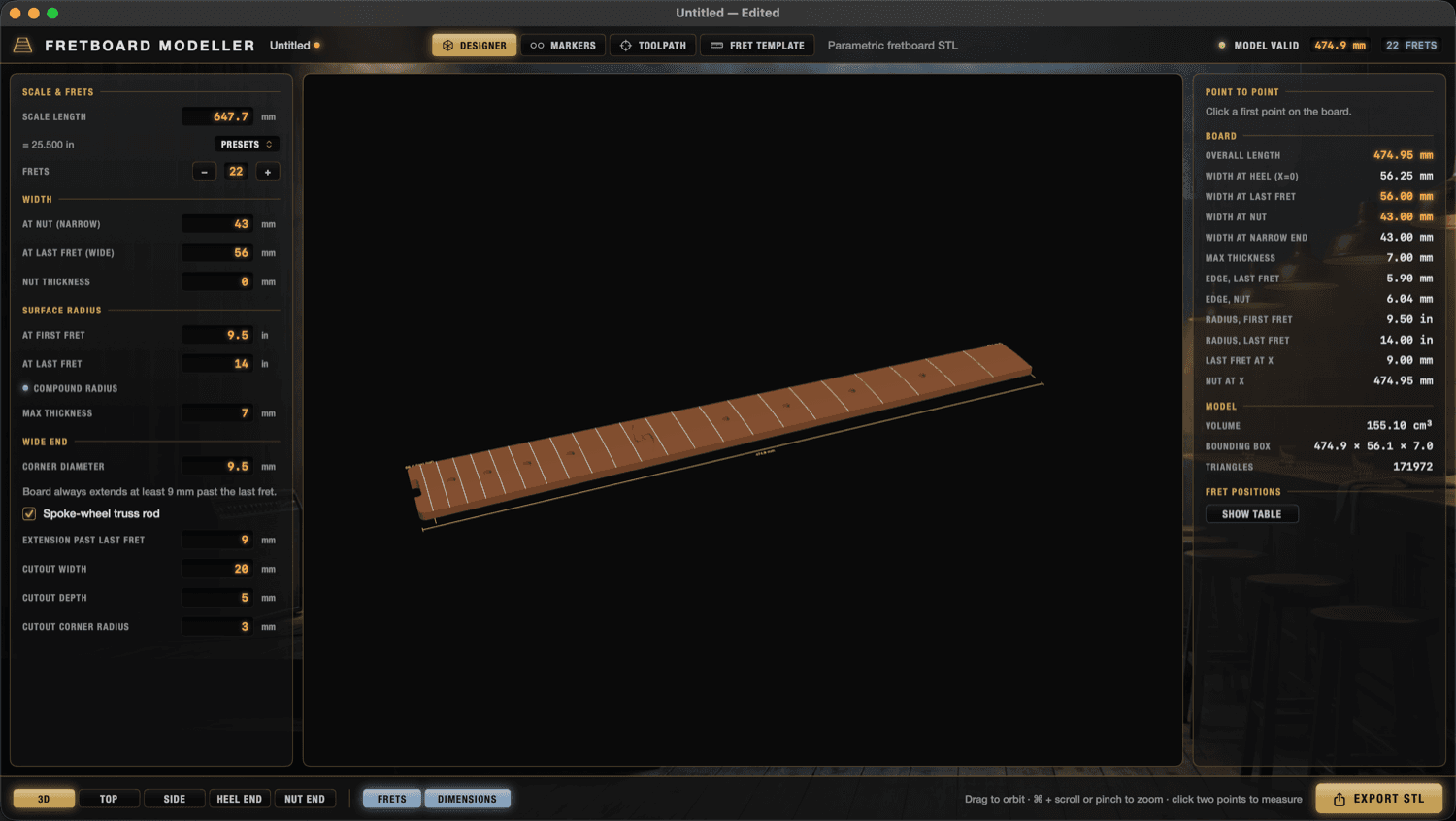
1 · Designer
A fretboard, to the millimetre
- ◆Set the scale length, fret count, nut and last-fret widths, nut thickness and board thickness.
- ◆Constant or compound radius: enter the radius at the first and last fret in inches and the surface is built to match.
- ◆Rounded wide-end corners, a board that always extends past the last fret, and an optional spoke-wheel truss rod cutout.
- ◆Orbit, zoom, measure point to point, and read every dimension in the measurements panel.
- ◆Export a watertight binary STL, in millimetres, ready for CAD or CAM.
- ◆Save the whole design as a project file, including the markers, CNC settings and inlay artwork, and open it again later.
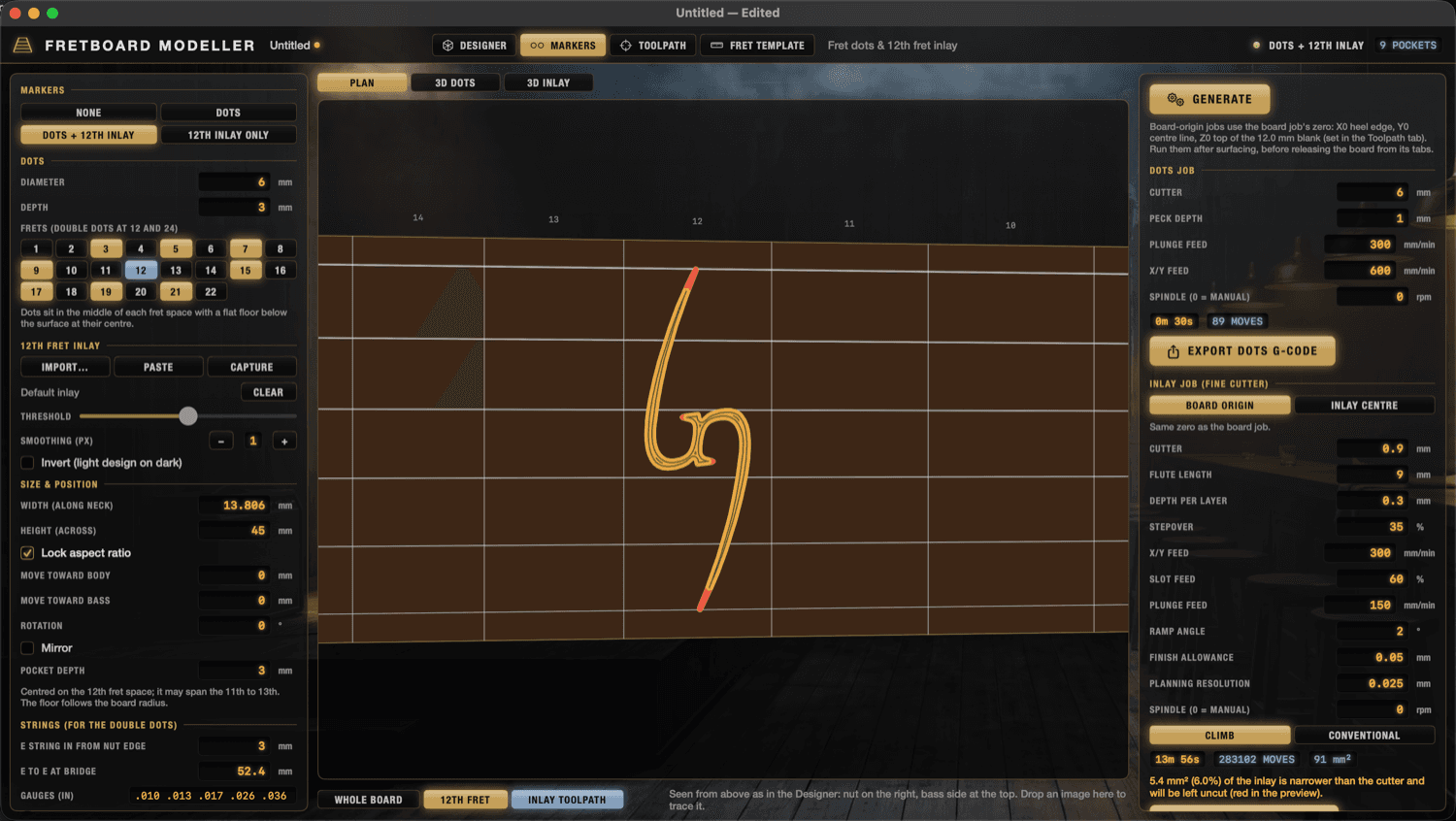
2 · Markers
Fret dots and a custom 12th-fret inlay
- ◆Fret dots in the middle of the fret spaces, with the 12th-fret double dots placed under the B and A strings using compensated string spacing.
- ◆Trace a custom 12th-fret inlay from any black-and-white image: import it, paste it, drop it in, or capture part of the screen. Then size, move, rotate or mirror it.
- ◆The pockets are cut into the model and the STL in the shape the cutter will actually leave, so detail too fine for the bit is shown as it will come out.
- ◆Separate G-code for the dots and for the inlay, on the same work zero as the board. The inlay job is planned for a fragile 0.9 mm cutter, with ramped entries and a light finishing pass.
- ◆Play either job back in 3D before cutting. If you change the design afterwards, the app asks you to update the G-code.
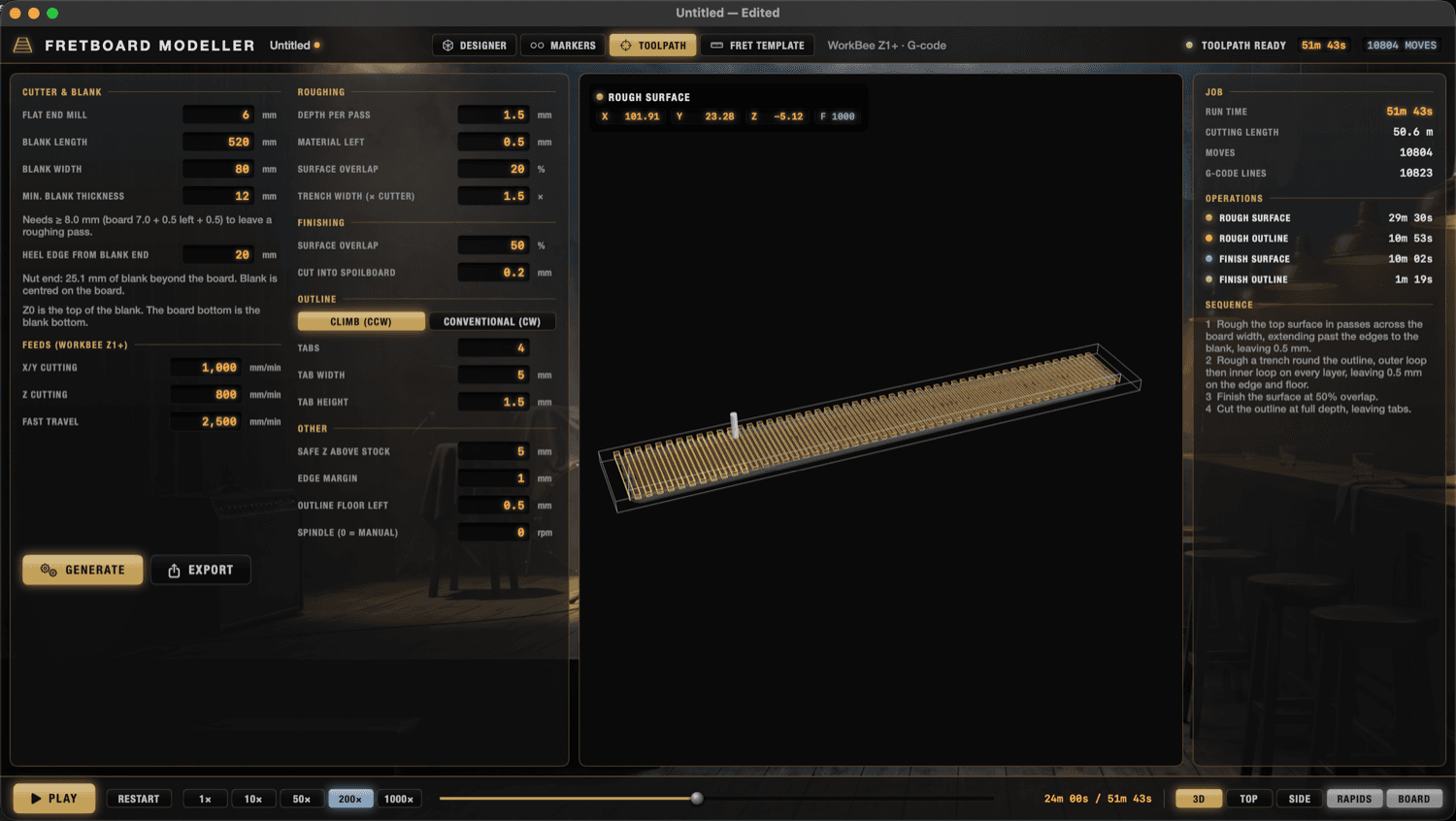
3 · Toolpath
G-code for GRBL and Duet machines
- ◆Tell it the size of your blank and it plans the whole job inside it, with tabs to hold the board in place.
- ◆Roughs the top surface first, then a trench round the outline, then finishes the surface and cuts the outline at full depth. That order is chosen to reduce splitting.
- ◆Choose climb or conventional cutting to suit your spindle direction.
- ◆Choose GRBL or Duet / RepRapFirmware output. Each cutter and cut stage gets its own feeds: a hardwood chip-load calculator sets them from the cutter, flutes and spindle speed, you can override any of them, and a red warning appears if a feed would rub, overheat or overload the cutter. There is a run-time estimate.
- ◆Set Z zero to the top of the workpiece or the spoilboard surface, for every job.
- ◆A Fender-style nut gets its own nut-slot job: a flat-bottomed channel cut with a compression bit in very light passes that run past the board edges to avoid lips and splits, exported as a second file to run after a tool change.
- ◆SEND delivers the G-code straight to the library of SwarfGRBL, a GRBL sender for macOS, as well as EXPORT to a file.
- ◆The cutter path plays back in 3D at up to 1000x so you can check the run before you cut.
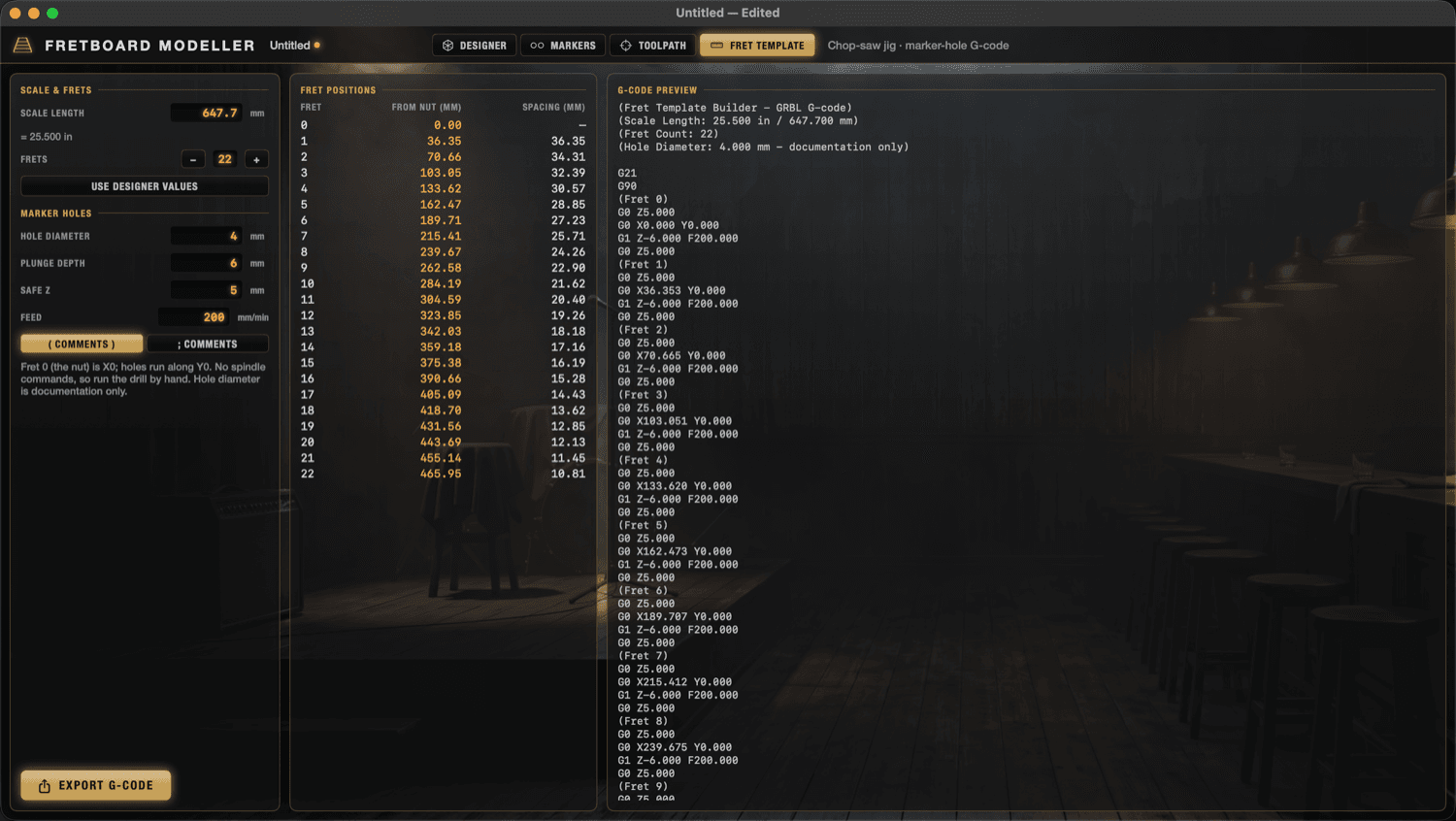
4 · Fret Template
The jig for cutting fret slots
- ◆Calculates every fret position from the nut for your scale length.
- ◆Generates G-code that drills marker holes at each fret, so you can build the jig used to cut fret slots on a chop saw.
- ◆Picks up your scale length and fret count from the designer.
Free and open source
Get Fretboard Modeller
Released under the MIT licence. Runs on macOS 13 or later and builds from source with the Swift command line tools. The repository includes a full illustrated user guide.
Always check generated G-code against your own machine and dry-run above the stock before cutting.